

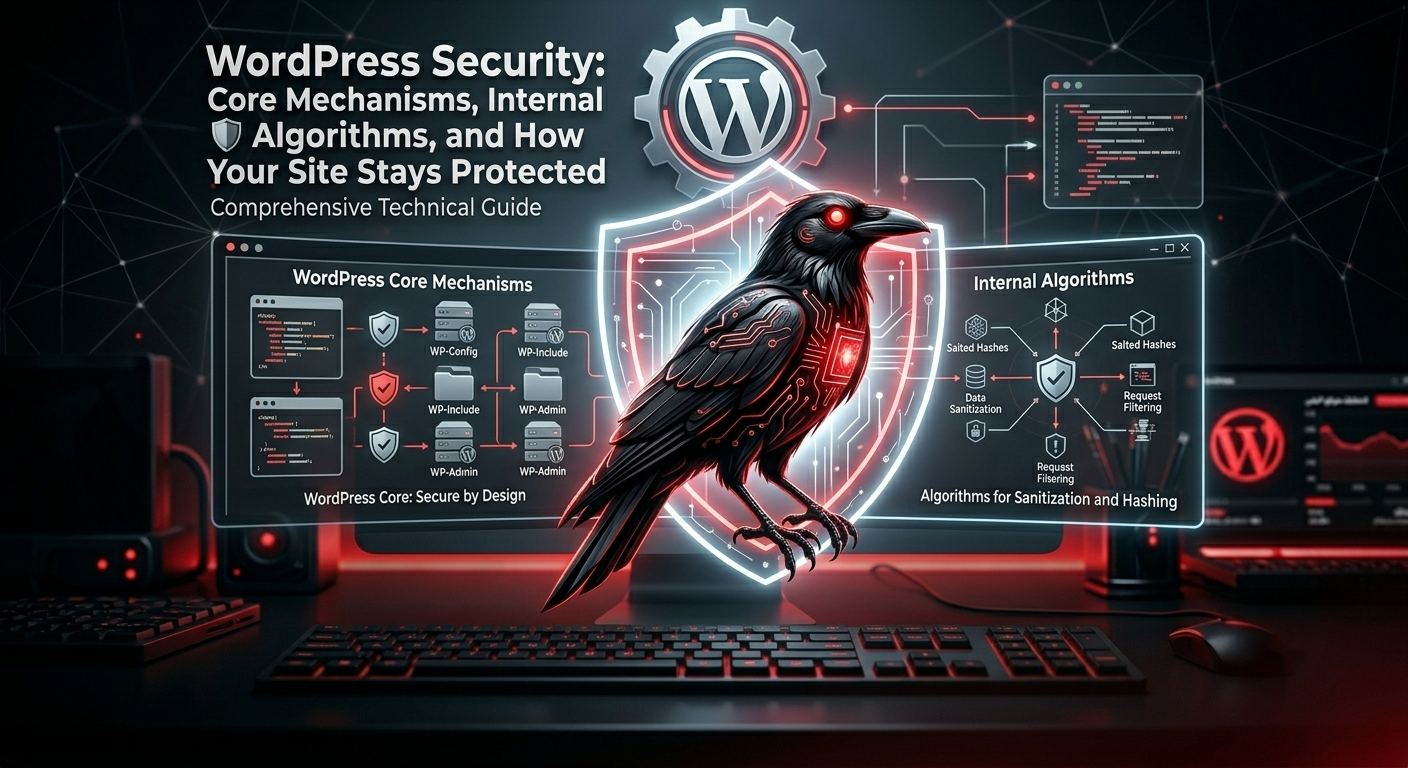

WordPress Security: Core Mechanisms, Internal Algorithms, and How Your Site Stays Protected
WordPress powers a huge portion of the web, which makes it a major target for attackers — but also one of the most actively secured open‑source platforms.
Behind the familiar dashboard, WordPress runs a layered security architecture that combines secure authentication, strict permission checks, data validation, nonces, and automatic updates to reduce the risk of common web attacks like brute force, CSRF, XSS, and SQL injection.
This article walks through the main security mechanisms inside WordPress, explains the “algorithms of security” it relies on, and shows why a properly configured WordPress site can be very secure when combined with good hosting and responsible plugin choices.
1. Defense‑in‑Depth: The Core Security Model
WordPress doesn’t rely on a single security trick. Instead, it uses a defense‑in‑depth model: multiple layers of protection that work together to reduce risk even if one layer fails.
- Core code security: secure coding standards, code review, and a dedicated Security Team.
- Authentication & authorization: hashed passwords, roles, and capabilities.
- Data handling: validation, sanitization, and escaping to block injection and XSS.
- Nonces: one‑time tokens to protect sensitive actions from CSRF.
- Automatic updates: fast patching of vulnerabilities in core and, optionally, plugins and themes.
On top of that, hosting configuration, HTTPS, firewalls, and backups add more layers outside WordPress itself.
2. Authentication: Hashing, Salts, and Secure Cookies
WordPress never stores plain‑text passwords. Instead, it uses strong one‑way hashing algorithms (such as bcrypt via the Portable PHP Password Hashing Framework) combined with salts and multiple iterations. This makes offline brute‑force attacks far more expensive and impractical in real‑world scenarios.
- Per‑user hashing: each password is hashed with a unique salt so identical passwords never share the same hash.
- Site‑wide salts: extra secret keys stored in
wp-config.phpfurther randomize tokens and cookies. - Secure auth cookies: login sessions are stored in signed cookies that include hashes and expiration times, reducing the risk of session hijacking when combined with HTTPS and proper cookie flags.
Together, these mechanisms form the “authentication algorithm” of WordPress: hash + salt + signed cookies + expiration.
3. Roles, Capabilities, and Access Control
WordPress uses a granular role & capability system to control what each user can do. Instead of hard‑coding permissions, WordPress checks capabilities such as edit_posts, manage_options, or install_plugins before performing sensitive actions.
- Roles: Subscriber, Contributor, Author, Editor, Administrator (and custom roles).
- Capabilities: fine‑grained permissions mapped to each role.
- Pluggable checks: developers can add or remove capabilities to tighten or relax access.
This access‑control layer is critical for multi‑author sites, agencies, and enterprise setups where least‑privilege is a must.
4. Nonces: Protecting Actions from CSRF
One of the most important internal security mechanisms in WordPress is the nonce system (Number Used Once). A nonce is a time‑limited token attached to forms, URLs, and AJAX requests to verify that the request really comes from a legitimate user and context.
- Creation: functions like
wp_create_nonce()andwp_nonce_field()generate tokens tied to a specific action and user. - Verification:
wp_verify_nonce(),check_admin_referer(), andcheck_ajax_referer()validate the token before processing the request. - Expiration: nonces are valid only for a limited time window, reducing replay attacks.
This “nonce algorithm” is what protects admin actions like deleting posts, changing settings, or performing AJAX operations from cross‑site request forgery.
5. Data Validation, Sanitization, and Escaping
To defend against injection and XSS, WordPress encourages a strict Validate → Sanitize → Escape pipeline for all user input and output.
- Validation: check that data is the type and format you expect (email, URL, integer, etc.).
- Sanitization: clean the data using functions like
sanitize_text_field(),sanitize_email(),esc_url_raw(). - Escaping: escape output with
esc_html(),esc_attr(),esc_url()before sending it to the browser. - Prepared statements: database queries use
$wpdb->prepare()to prevent SQL injection.
When plugins and themes follow these APIs, most common web vulnerabilities are significantly reduced.
6. Automatic Updates, Hardening, and the Security Ecosystem
The WordPress Security Team continuously reviews core code, responds to responsibly disclosed vulnerabilities, and ships security releases that can be installed automatically on most sites.
- Auto‑updates: minor core releases are installed automatically; plugin and theme auto‑updates can be enabled as well.
- Backported fixes: critical security patches are often backported to older versions as a courtesy.
- Hardening guides: official documentation explains best practices for file permissions, server configuration, and user management.
- Security plugins & WAFs: additional layers like firewalls, rate limiting, and malware scanning complement the core security model.
In practice, most successful attacks target outdated sites, weak passwords, or vulnerable third‑party plugins — not WordPress core itself.
7. Conclusion: WordPress Can Be Very Secure — If You Let It
WordPress ships with strong security foundations: modern password hashing, robust authentication cookies, a flexible role & capability system, nonce‑based CSRF protection, secure data APIs, and an active Security Team that maintains the platform.
When you combine these built‑in “security algorithms” with good hosting, HTTPS, careful plugin choices, and regular updates, WordPress becomes a reliable and secure platform for blogs, businesses, and even enterprise‑level projects.
Leave a Reply